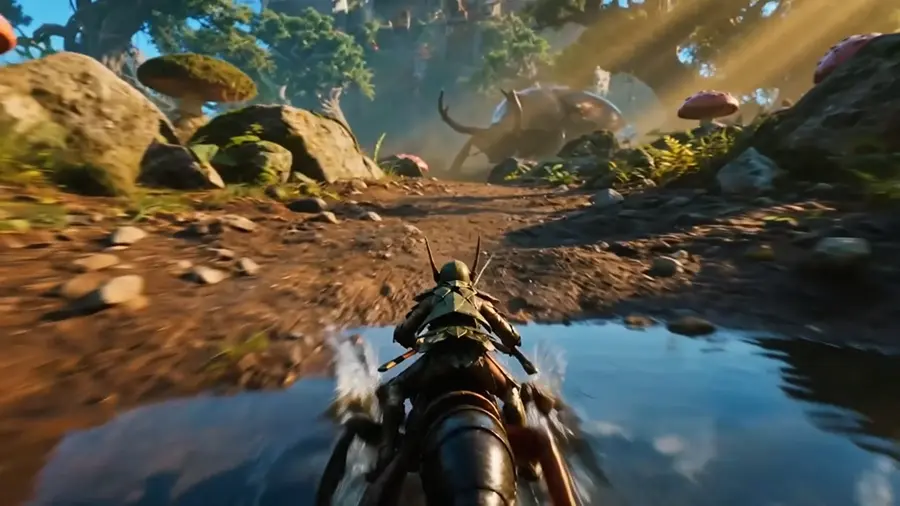
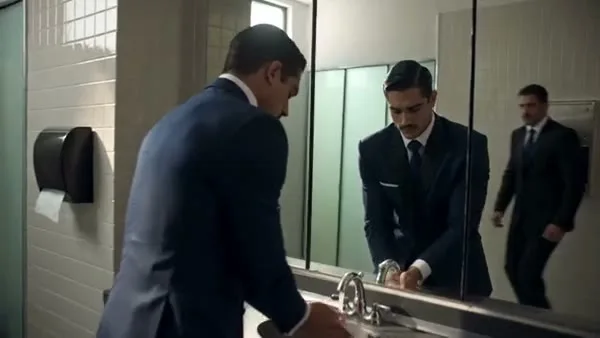
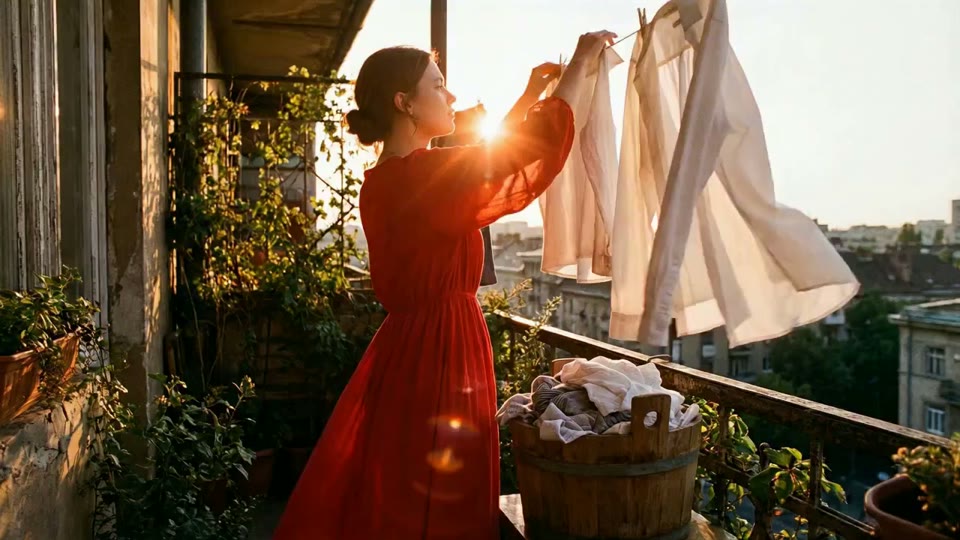
Turn a scene idea or still image into a moving clip. Describe the action and camera movement, choose a video model and check its settings before you generate.
Drag to reorder. Use the Left and Right Arrow keys when a reference is focused.
Turn a scene idea or still image into a moving clip. Describe the action and camera movement, choose a video model and check its settings before you generate.
Reference example
Create a video from a written scene
Describe one subject, one main action and a clear setting. A focused text-to-video prompt gives the model a scene it can develop into a short clip.
Choose text-to-video, describe the scene and motion, and select a video model. Review supported settings and the credit estimate before generating.
Can I turn a photo into a video?
Yes. Choose image-to-video, add a reference photo and describe the desired motion. Available settings depend on the selected model.
Which video lengths and resolutions are available?
The editor shows the options supported by the selected model. Change the model to compare its available duration, resolution and format settings.
How many credits does video generation use?
The estimate depends on the video model and selected output settings. Review the credit amount shown before submitting the task.
Will the video preserve every detail of my photo?
Not always. AI motion can change faces, hands, text or product details. Review the full clip before sharing or using it commercially.
Does this include a timeline editor?
This workspace generates clips from prompts and supported references. It is not a timeline editing tool; use a separate editor for precise cuts and assembly.
Turn your scene idea into a short video
Describe the subject, action and camera movement, or start with an image. Choose a supported clip length and resolution, then check the credits before generating.