Face Swap

Upload a single-person photo and a face reference to create an AI face edit. Choose 1K or 2K, check the credit cost and compare your result before downloading.

Original photo

Face reference

JPEG, PNG or WebP · up to 10 MB each. Use a clear photo with one person.

10 credits per image

AI photo editing can also change small surrounding details. Compare the face, clothing and background before sharing.

Your edited photo

Reference preview
1 / 2
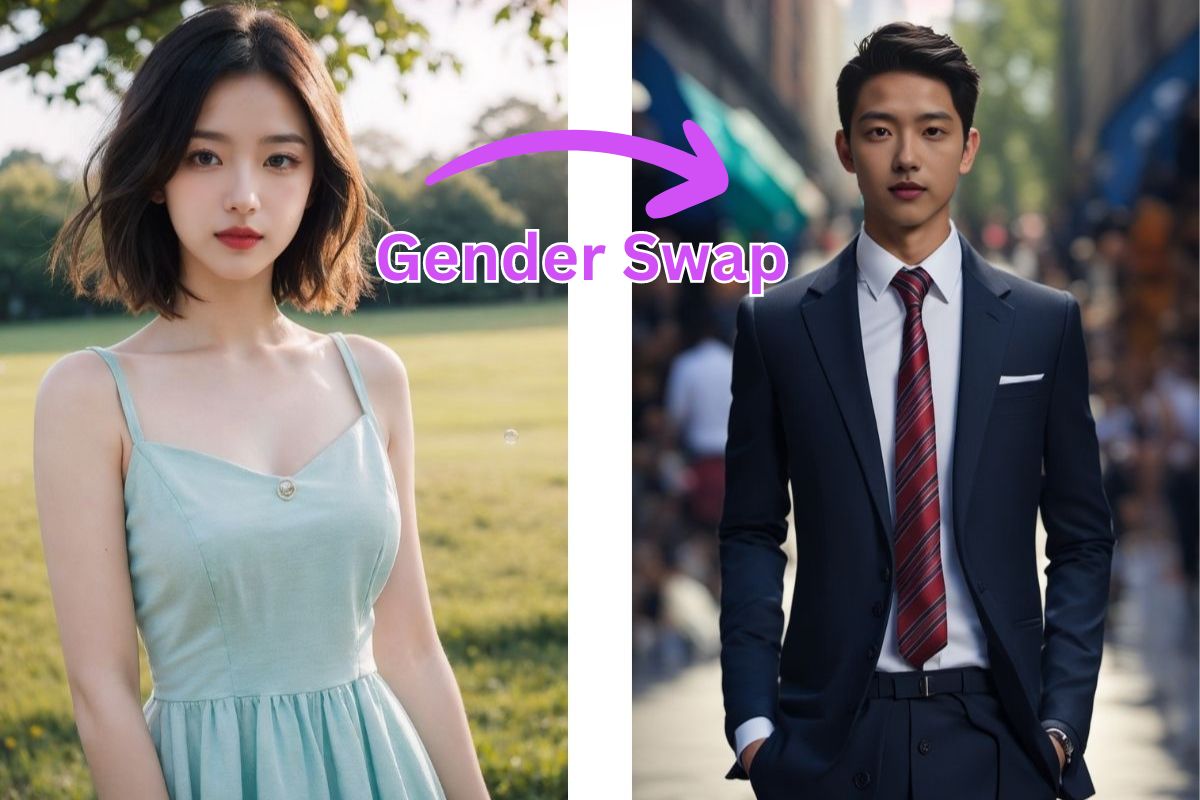
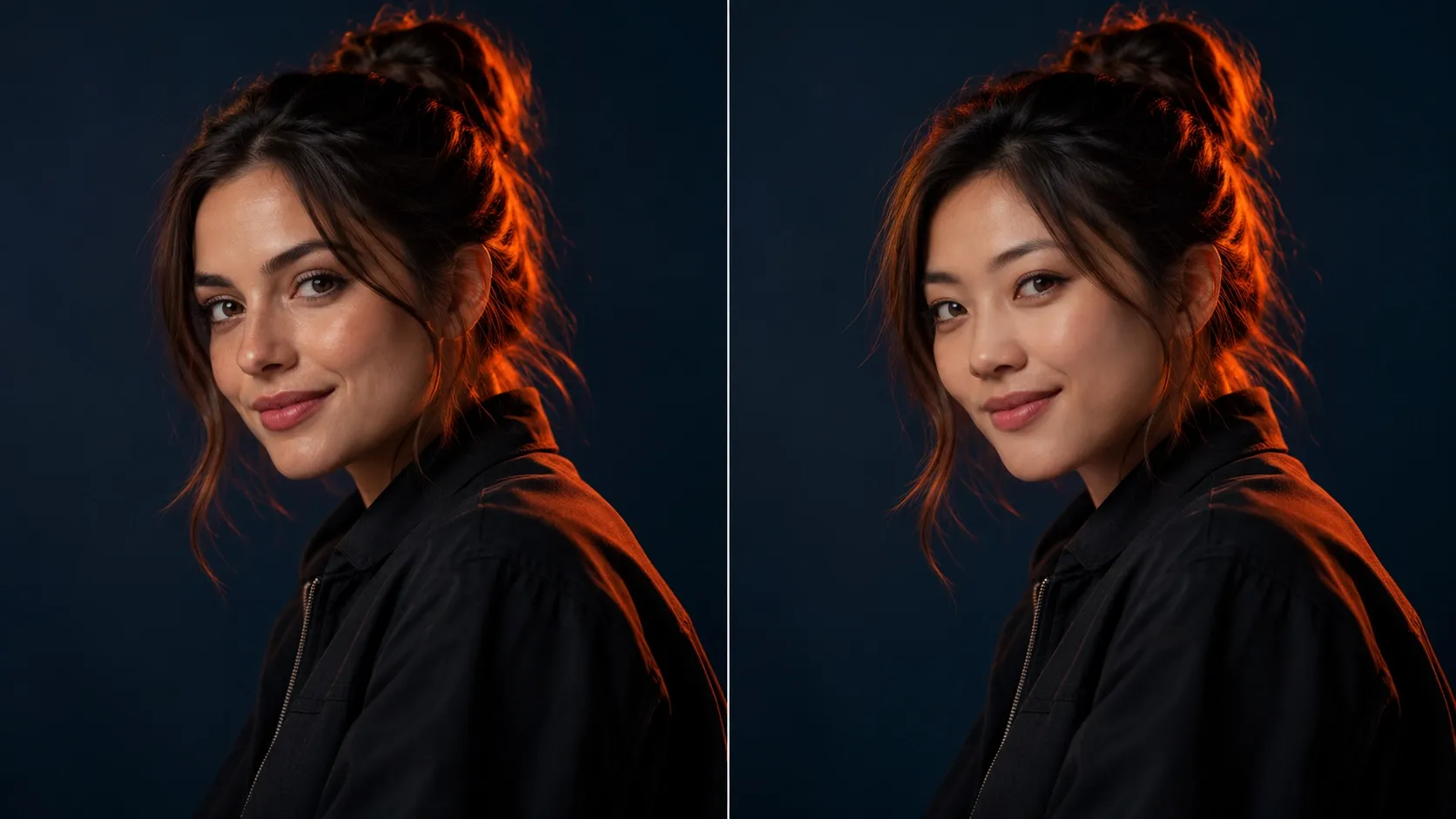
Photo face replacement comparison 55

Reference example

Visual reference, not a verified output from this tool. Results vary by model and input.

Reference examples illustrate possible edits. Your result depends on both input photos.

How to use Face Swap

Start with two clear photos and review the generated edit.

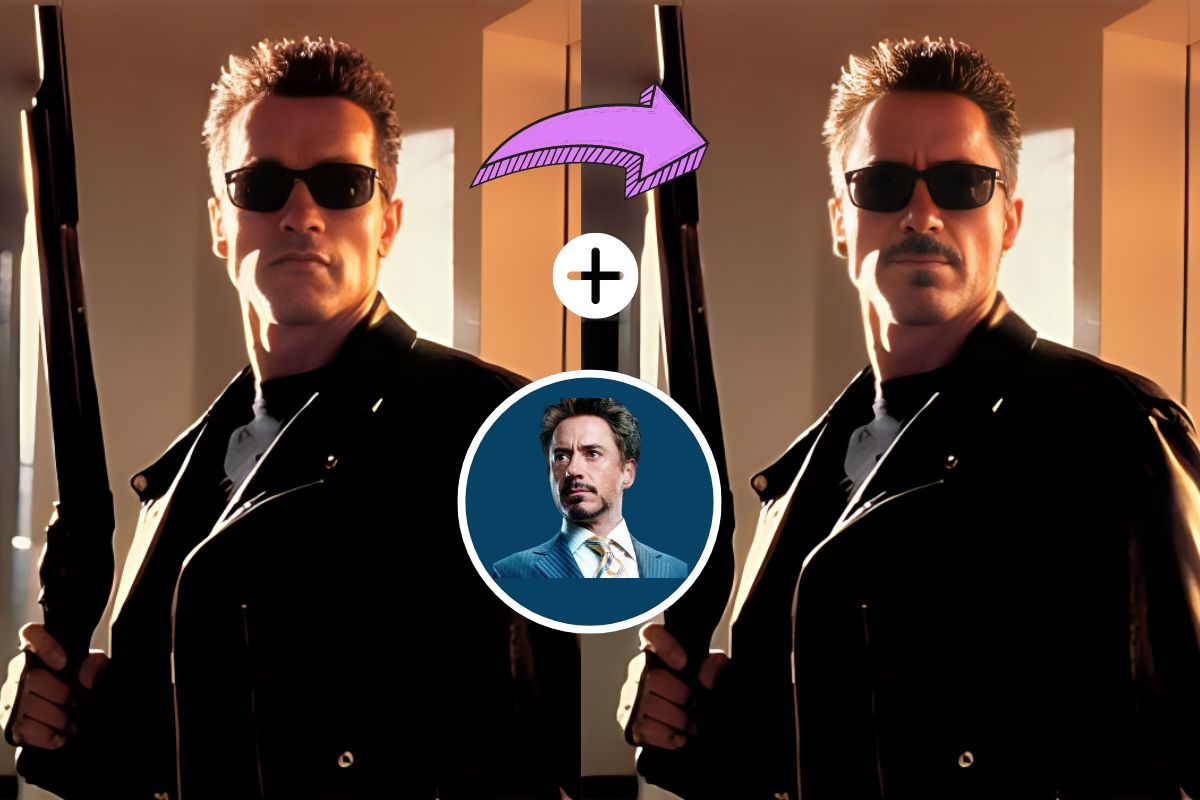
Photo face replacement comparison 49

Reference example

Visual reference, not a verified output from this tool. Results vary by model and input.
  1. 1

    Upload the original portrait

    Choose a clear, single-person photo with the clothing and background you want to keep.

  2. 2

    Add a face reference

    Upload a well-lit reference portrait, then choose an output resolution and review the credit cost.

  3. 3

    Generate and compare

    Inspect the face, hair, clothes and background before downloading the edited image.

Edit my photo

A closer look at photo face editing

Use two images to guide a single-person face edit. AI generation may change small details, so always review the result.

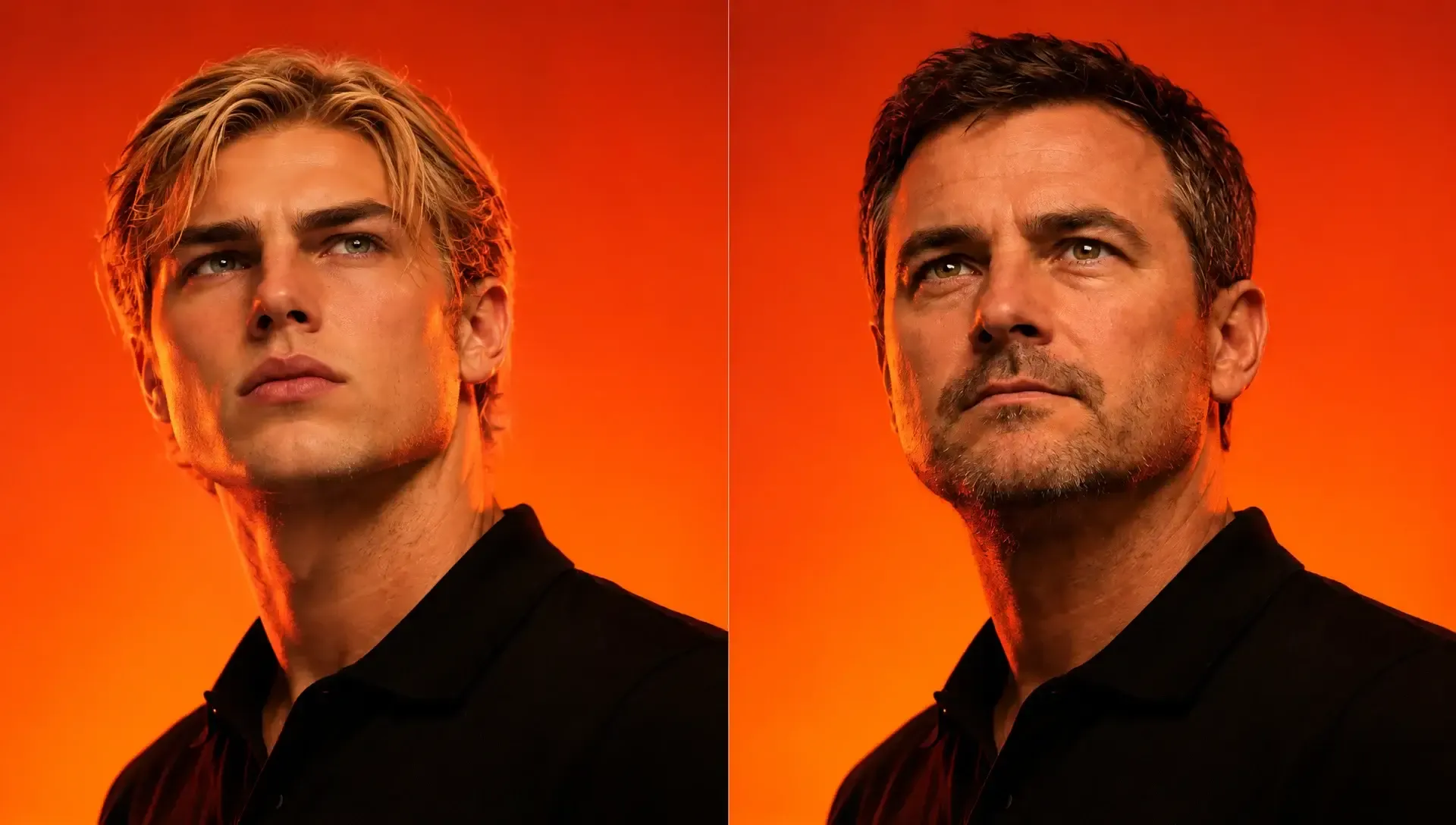
Photo face replacement comparison 50

Reference example

Create a new portrait face edit

Guide a portrait edit with one original photo and a separate facial identity reference.

Start a photo face swap

Visual reference, not a verified output from this tool. Results vary by model and input.

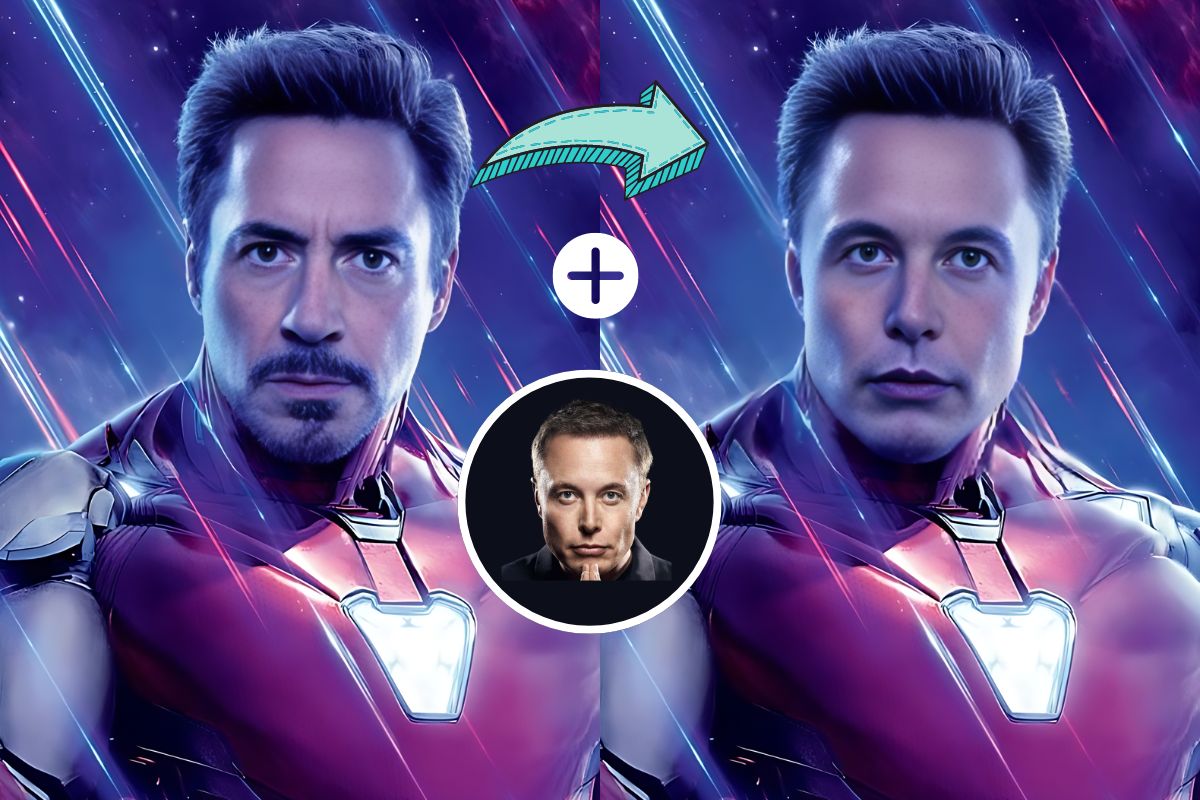
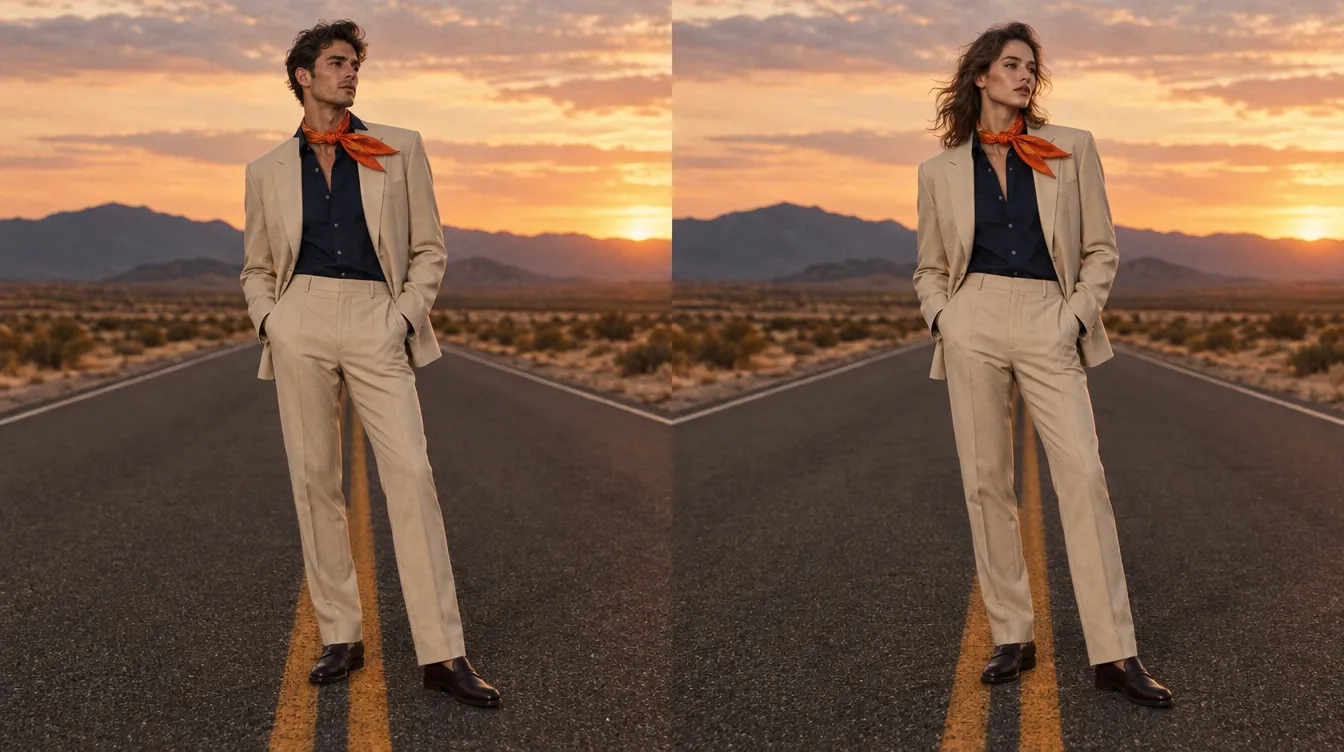
Photo face replacement comparison 51

Reference example

Compare lighting and skin tones

Review the generated face, light and surrounding details.

Start a photo face swap
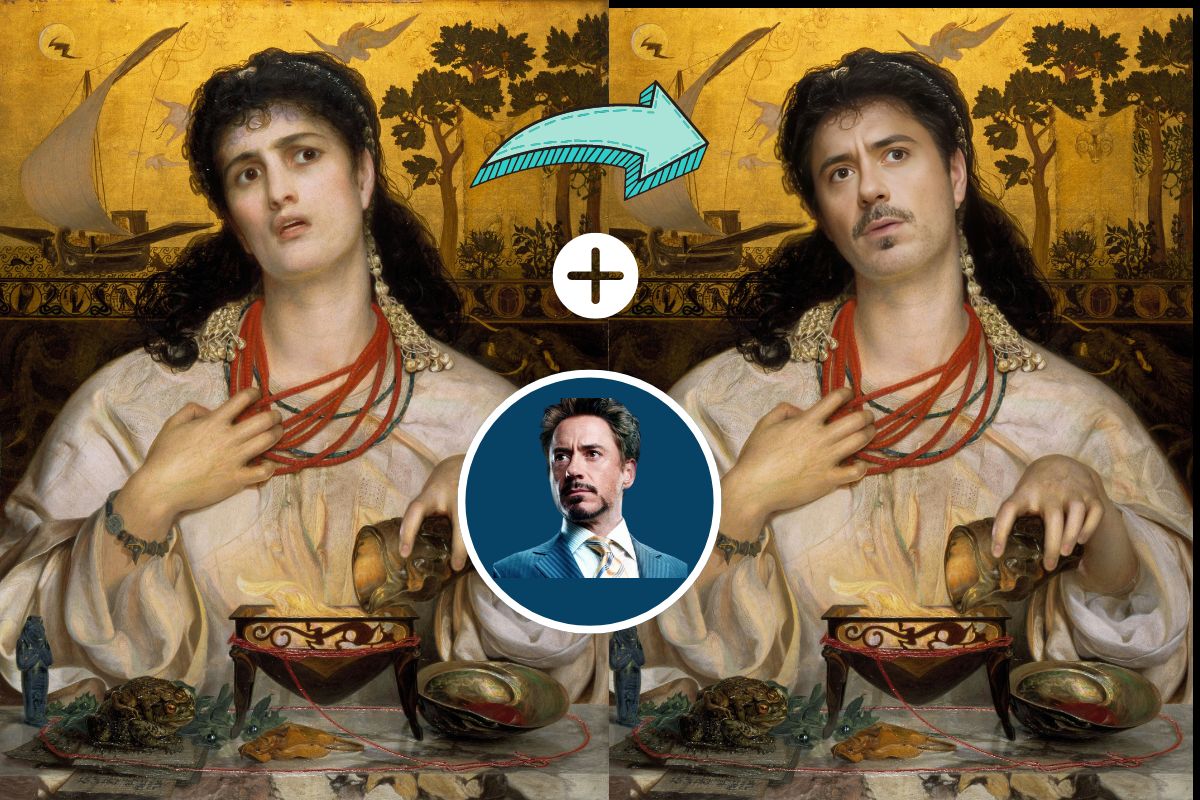
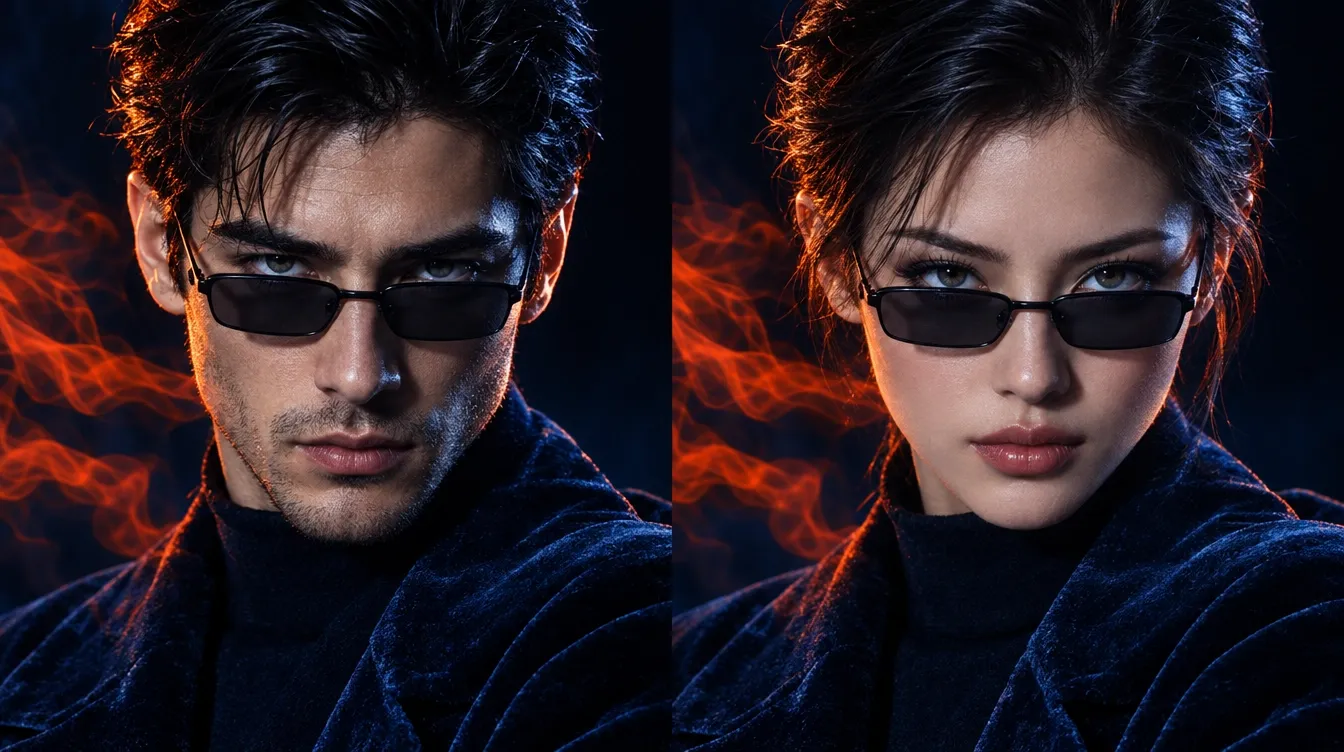
Photo face replacement comparison 52

Reference example

Explore portrait ideas

Try a creative portrait direction with clear source images you have permission to use.

Start a photo face swap
Video face replacement reference

Reference example

Review details before sharing

Zoom in on facial boundaries, hair and clothing. Use clearer reference photos for another attempt if needed.

Start a photo face swap

Make it part of your next portrait

Use single-person photos with a clear face reference.

Personal portraits

Explore a face edit in a portrait you already have.

Edit my photo
Photo face replacement comparison 54

Reference example

Face Swap questions

Answers about inputs, credits and reviewing your photo edit.

Contact support
How does face swap work?

Upload a single-person target photo and a face reference. The image model uses both to generate an edited portrait.

Can I choose faces in a group photo?

This workflow supports single-person portraits. Individual face detection and group face mapping are not available.

Can I edit videos or GIFs here?

This workflow accepts still images only: JPEG, PNG and WebP.

How many credits does an edit use?

The current image tariff is 10 credits at 1K or 15 credits at 2K. The cost is shown before generation.

Will everything except the face stay identical?

The model is prompted to preserve the original photo, but generative editing can change surrounding details. Always compare the output.

What happens if generation fails?

Confirmed failed generation tasks return their reserved credits. An interrupted submission is checked with the same request ID to avoid duplicate charges.

Try a face swap with two portraits

Upload your original portrait and a face reference, then review the result.

Photo face replacement comparison 57Photo face replacement comparison 58

Visual reference, not a verified output from this tool. Results vary by model and input.