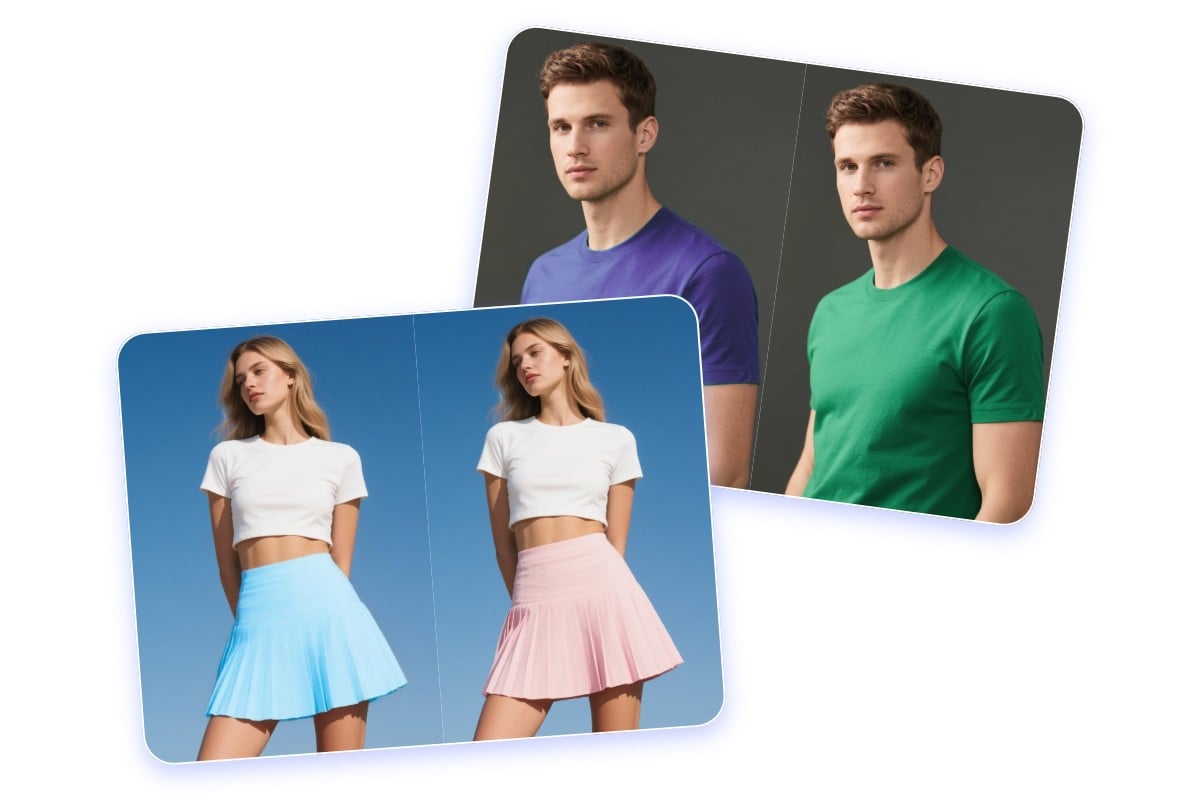
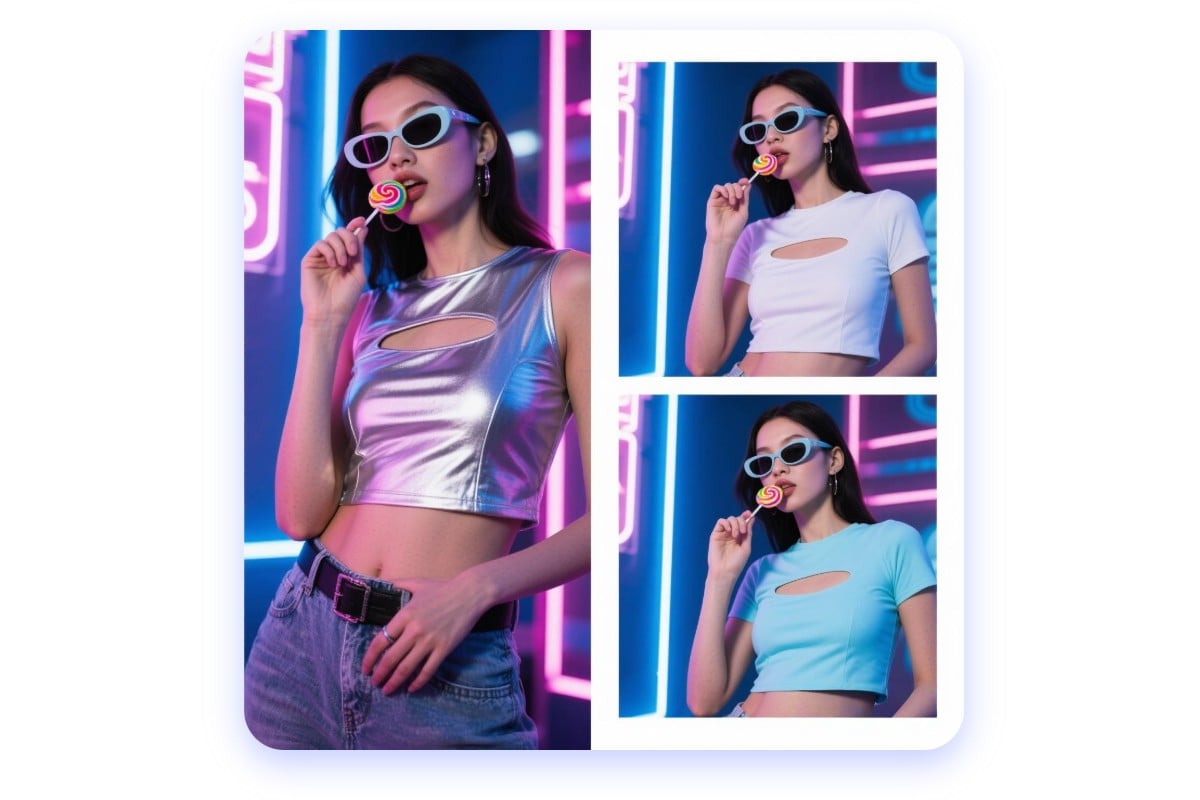
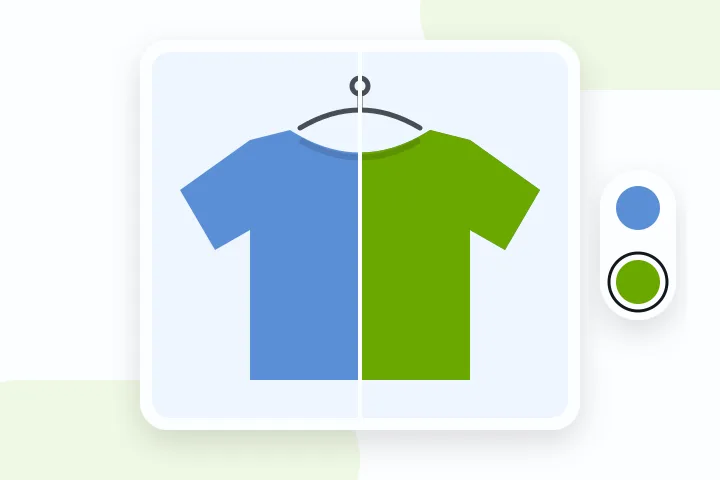
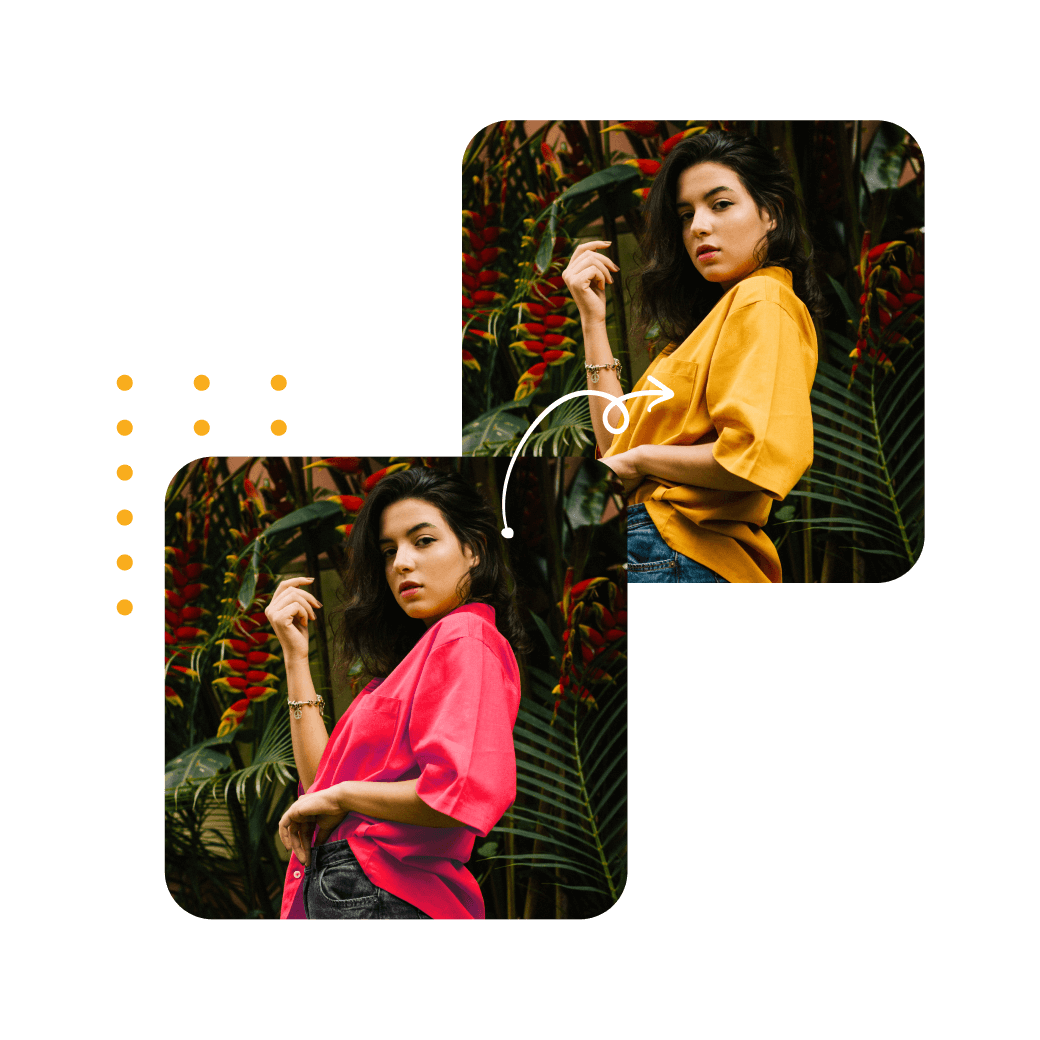
Same outfit, a different shade. Upload a photo, name the garment and choose its new color. Preview how the edit works with the rest of your look.
Your photo
Choose your new look
Output settings1K / 3:4
10 credits per image
Sign-in required. Eligible accounts can use welcome credits. Confirmed failed tasks return their generation credits.
Your fitting room
Reference preview
1 / 2
Reference example
Visual reference, not a verified output from this tool. Results vary by model and input.
Keep the garment. Change the shade.
Name one garment, such as the shirt or jacket, and a precise color. Avoid asking for a new outfit when you only want a color edit. Patterns, shadows and texture may still vary.
Explore more AI tools
Continue with another tool for outfit edits, photo editing, video creation or face swaps. Choose a card to open its workspace.
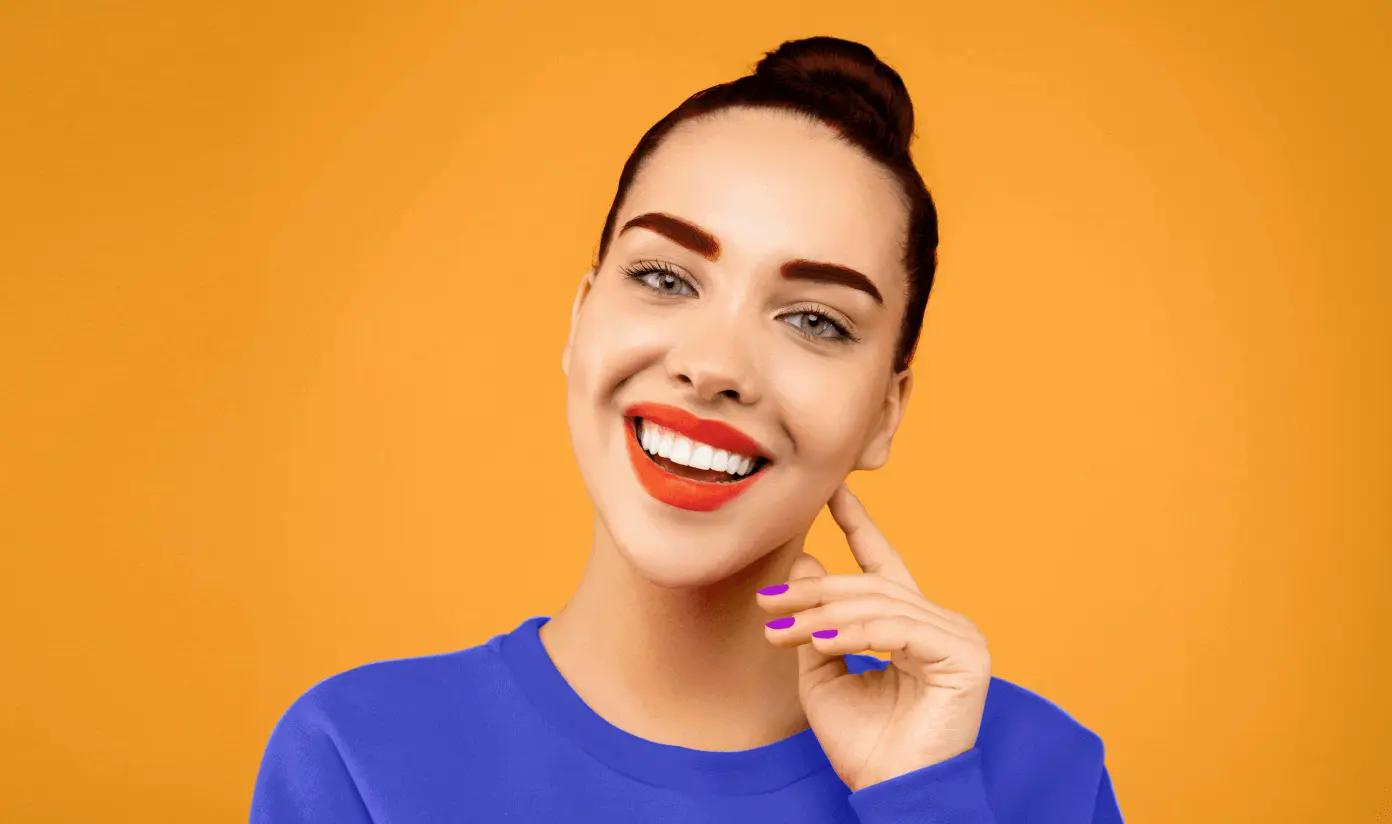
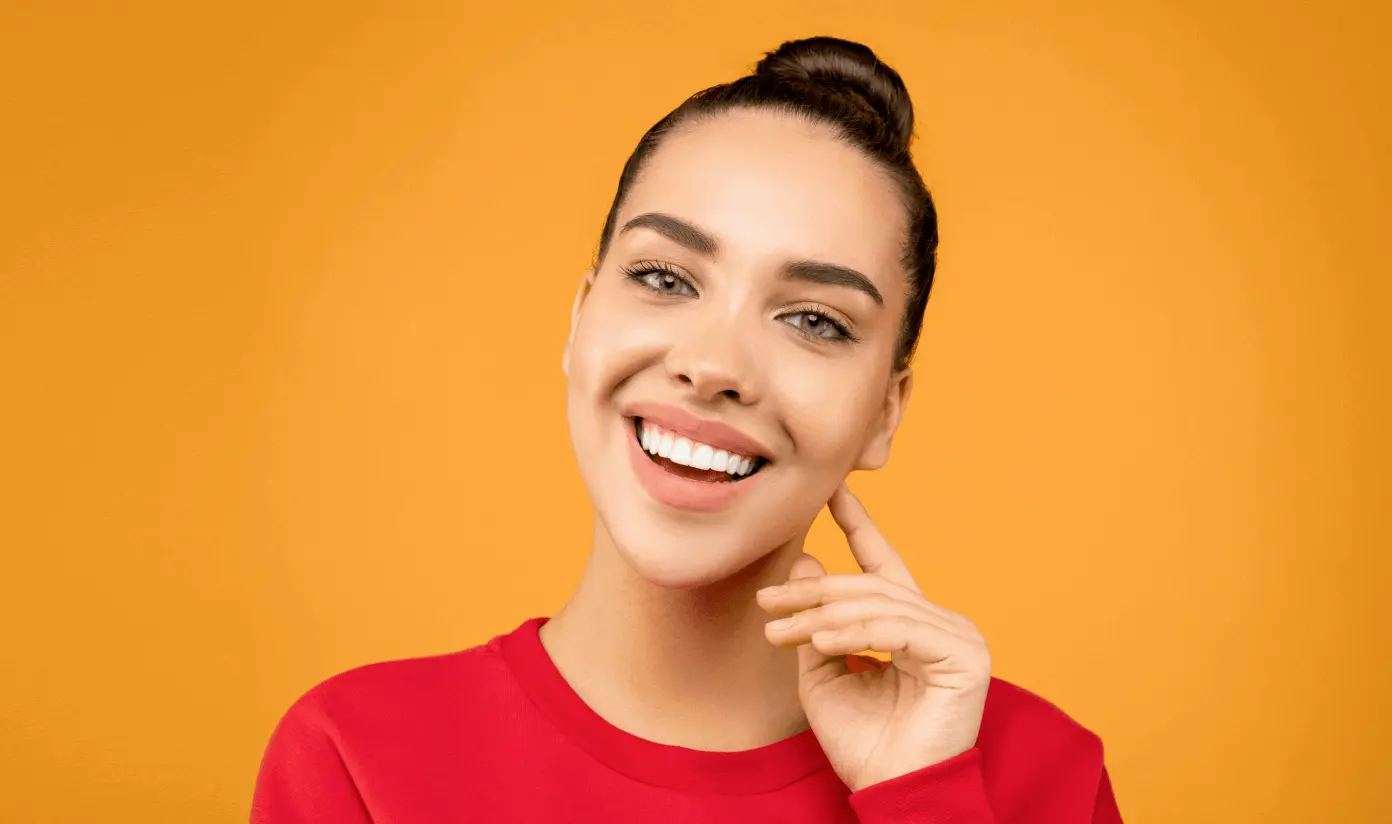
Same outfit, a different shade. Upload a photo, name the garment and choose its new color. Preview how the edit works with the rest of your look.
Reference example
Change a shirt color without planning a new outfit
Identify the exact garment in your prompt, such as “change the blue shirt to burgundy.” Keep the request focused on one change for an easier comparison.
Upload the image and describe the shirt and target shade. Generate the edit after checking the credit estimate, then compare the result with the original.
Can I recolor a dress or jacket?
Yes. Specify the dress, jacket or other garment you want to recolor, especially when several clothing items appear in the photo.
Will the clothing texture stay exactly the same?
AI aims to follow the requested color change, but texture, folds and shading may also change. Inspect the result before using it as a product image.
Can I change just one garment?
Name the item precisely, such as “the jacket only.” This guides the edit, although it does not guarantee that all other pixels stay unchanged.
How much does recoloring cost?
The clothes studio estimates 10 credits for 1K and 15 credits for 2K before generation. A new color variation is a new generation.
Can I compare several clothing colors?
Yes. Generate one shade, save it, then change the color description for another version. Compare the saved images before choosing a favorite.
See your outfit in a different color
Choose one visible garment and a shade you want to try. Compare the collar, fabric and surrounding details before saving the edit.